

Make the most of your June’s Journey experience with the new ORCHID+ app
Make the most of your June’s Journey experience with the new ORCHID+ app
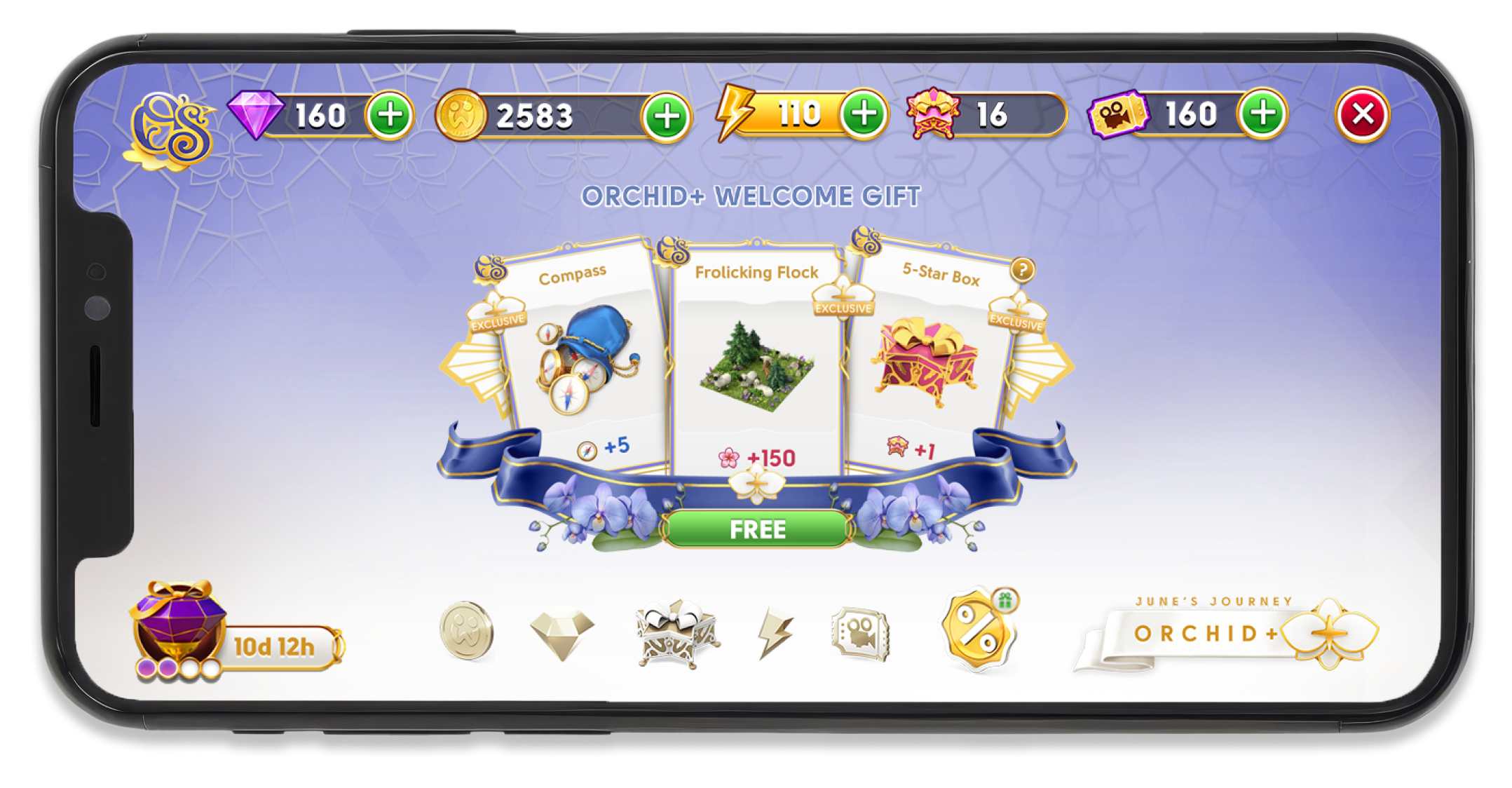
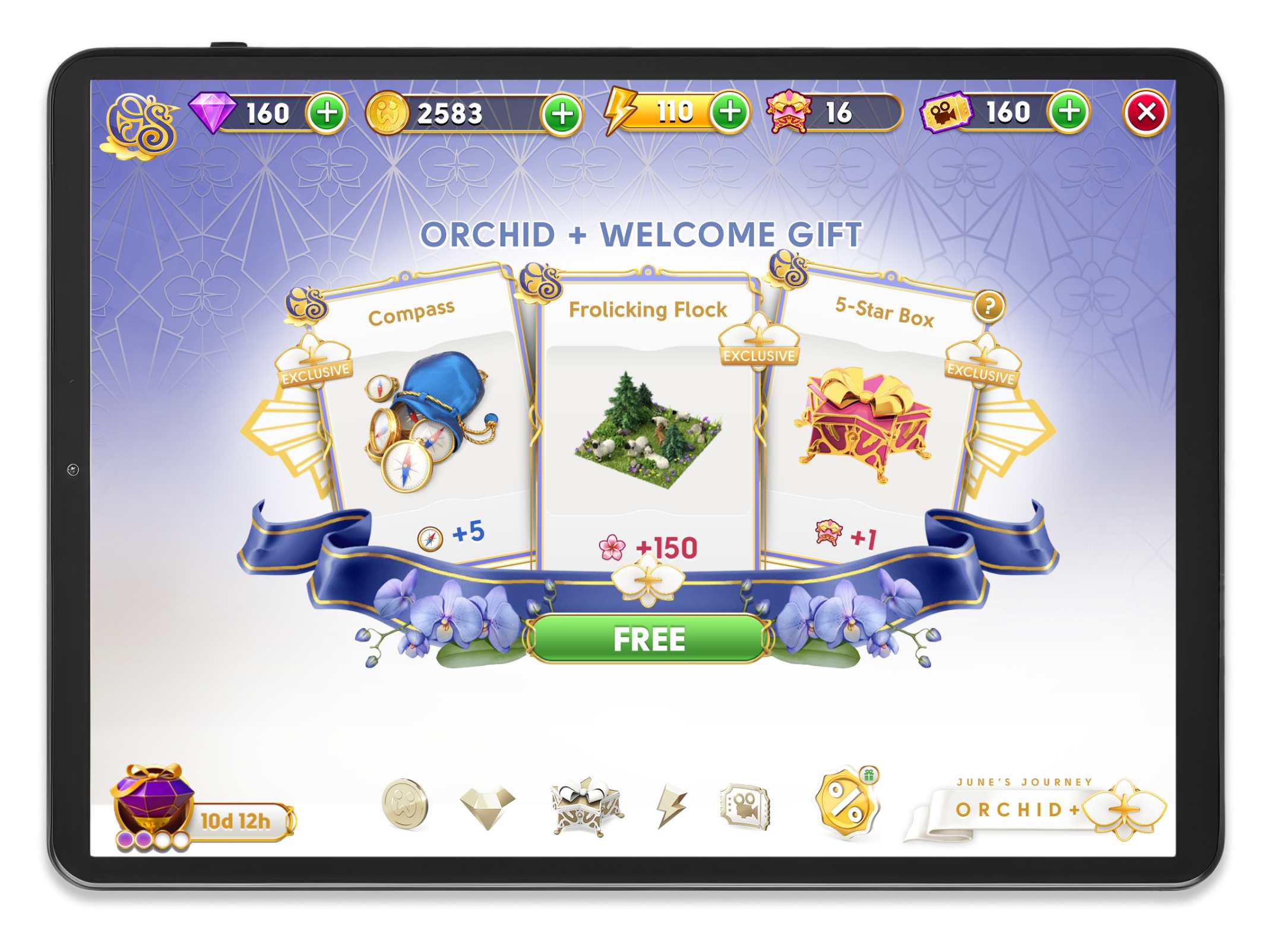
 Welcome gift
 Extra value on purchases
 Exclusive Orchid+ sales
 Free Skip Pass
 Extra daily free gift in-store
 Collect all coins
 Many more …
Continue your existing game on the official June's Journey Orchid+ app, available to download now!
Follow the video instructions to install:
Click again on «Download Orchid+»
If a warning pop-up appears, don't worry!
This is a routine part of Android's safety checks, and the file is perfectly safe to download.
Click «OK» to continue
Click on "Download"
Once the file has downloaded, click "Open" and then click "Install" when prompted to install Orchid+
Sign in: To download Orchid+ on your Android device:
Click
to pick up where you left off in the game
Remember to log in using the same Facebook account you use for your regular June's Journey game so your game progress will be transferred.
Save to Favorites
Click the ★ next to the URL address and save the web page for easier future access.
You're all set. Let the fun begin!
June's Journey is a hidden object game intended for those aged 18 and older. June's Journey does not require payment to download and play, but it allows you to purchase virtual items, including random items, with real money inside the game. By downloading and playing June's Journey, you provide us with personal data, and the game may also include advertising.
Languages: العربية, Dansk, Nederlands, English, Français, Deutsch, Italiano, 日本語, 한국어, Norsk, Polski, Português (Brasil), Русский, Español, Svenska, Türkçe, 中文 (简体), and 中文 (繁體).
Version: 3.24.2 or higher, updated on November 11 2024, 176 MB build size.
You require an internet connection to play June's Journey and access its social features. June's Journey is available for Android Version 5.1 and up. The device you use must fulfill the following minimum requirements: OpenGL 2.0, 500 MB minimum storage capacity, and a minimum of 1GB RAM.
Orchid+ is currently available on an invite-only basis.
